
Loading…
NAPD Virtual Tech Expo 2026
We suggest changing your setting in Sched to make sure it is your time zone.  Link for how to find that.

You will need to be logged in to access the video feeds and materials at https://napdvirtualtechexpo2025.sched.com/

Should you need it, please use this link to re-set your password and log in:
https://napdvirtualtechexpo2025.sched.com/password-reset

Session Recordings: Available post-event for registered attendees

Mobile

This event is available on your phone

  1. Download the Sched App from the App Store or Google Play
  2. Search within the Sched App to find your event:
    "NAPD Virtual Tech Expo 2026"
  3. Sign up or Log in to access your event
Sched App mobile screen download App
1. Download App
Sched App mobile screen find event
2. Find Event
Sched App mobile screen register
3. Register

Calendar Sync for Google Calendar, Outlook & Apple Calendar

Subscribe in your calendar program to see this event alongside your meetings.
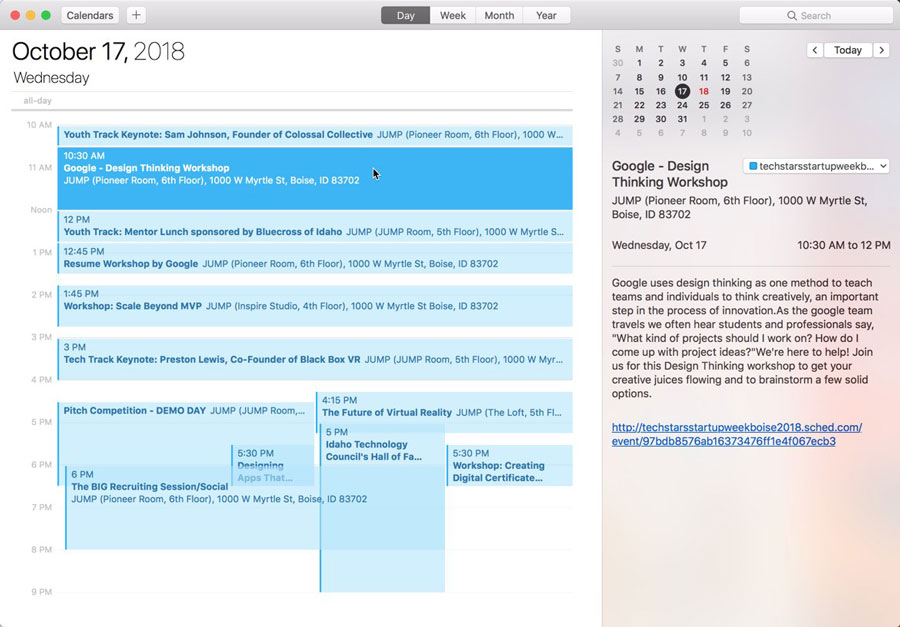
Apple Calendar
1. Click to open: Full Event Schedule
2. On next screen, set "Auto-refresh" to "Every hour" to ensure you get schedule changes.

Google Calendar
1. Click to open: Full Event Schedule
Note: Google will only update the feed once per day, which means you could miss out on last minute updates.

Microsoft Outlook
1. Click to open: Full Event Schedule
2. View instructions for Outlook.com or Outlook for Mac.

Export Calendar
This is a one-time export. You will not receive any updates to the schedule. If you expect the schedule to change, you should choose to one of the sync options above.
Full Event Schedule: https://napdvirtualtechexpo2026.sched.com/all.ics



Share Modal

Share this link via

Or copy link